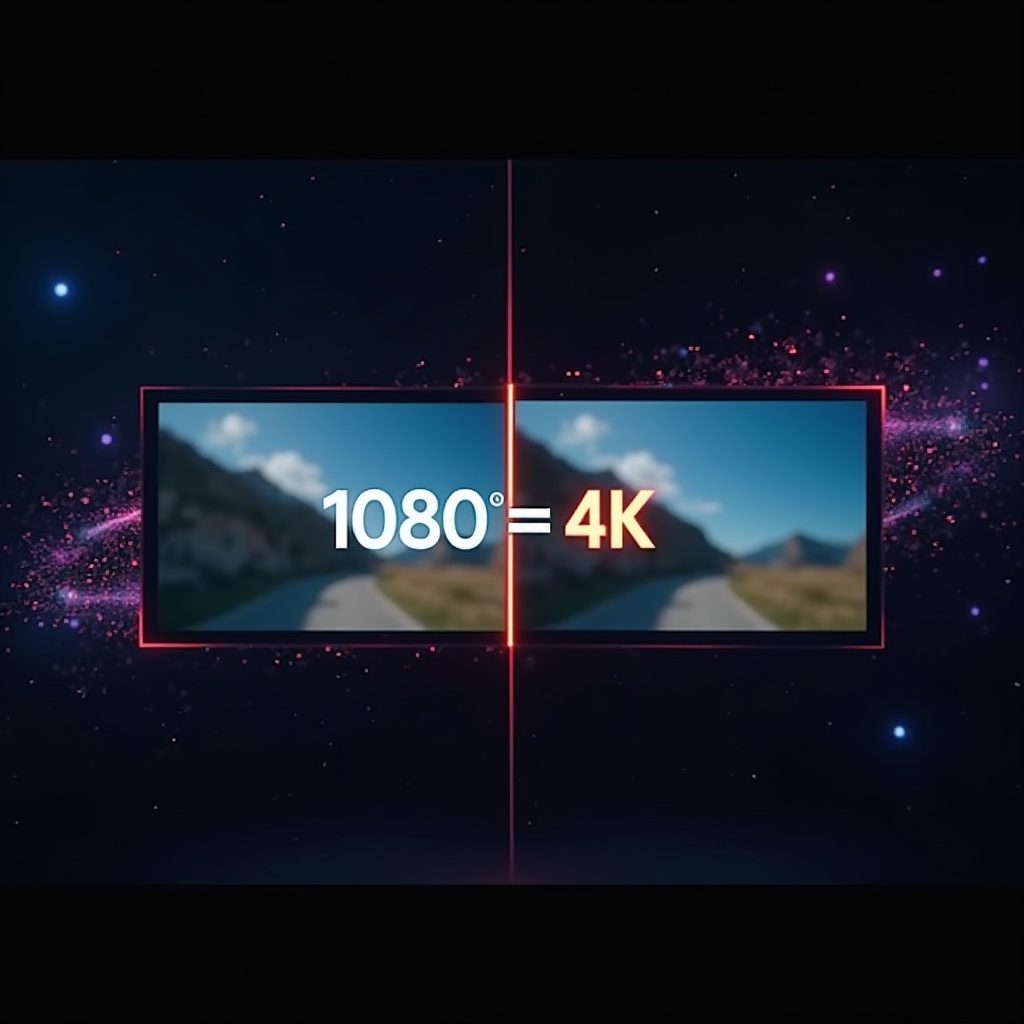
You’ve got footage worth saving. But it’s stuck at 480p, 720p, or the low-res export you made five years ago when storage was tight. The quality is there — in subject, in moment, in light — but the resolution is not. Until now, your options were limited: pay for cloud processing, deal with watermarks, or accept the loss.
LogGate Frame changes that. It’s an AI-powered video upscaler for Mac that takes your old, low-resolution footage and transforms it — frame by frame — into HD, 4K, or even 5K. And it does it entirely on your machine, using the power of Apple Silicon.
The Problem: Great Footage Trapped in Low Resolution
Whether you’re a filmmaker with archival SD footage, a content creator cleaning up old exports, or someone who shot interviews at 1080p before 4K was the standard — resolution limits hurt. Platforms want 4K. Clients want 4K. And screen real estate has never been higher.
Conventional upscaling just stretches pixels. You get blur, aliasing, and a muddy mess. AI upscaling is different: it reconstructs detail that was never there in the original, using learned models trained on millions of frames.
LogGate Frame brings that technology to Mac — natively, privately, and fast.
What LogGate Frame Does
LogGate Frame uses Apple’s MetalFX Upscaling framework — the same technology that powers console-quality gaming on Apple Silicon — to upscale video with AI precision. The results are sharp, clean, and dramatically better than traditional interpolation.
- SD → HD upscaling: Breathe new life into 480p and 576p footage, bringing it to 1080p.
- HD → 4K or 5K upscaling: Take your existing 1080p masters to 4K or cinematic 5K resolution.
- Every frame processed: Frame-by-frame AI inference — no frame is skipped, no detail is averaged away.
- Batch processing: Queue up entire projects. Walk away. Come back to a folder of upscaled files.
- 100% local: Your footage never leaves your machine. No uploads, no subscriptions to cloud compute, no privacy tradeoffs.
- Apple Silicon native: Built specifically for M1, M2, M3, and M4 chips. This is not a port — it’s purpose-built.
Why MetalFX? The Apple Silicon Advantage
MetalFX is Apple’s high-performance upscaling and antialiasing framework, optimized to run directly on the Apple GPU and Neural Engine. Unlike generic AI tools that run on CPU or require discrete GPU compute, MetalFX is designed to extract every bit of processing power from Apple Silicon.
What that means for you in practice:
- Speed: Upscale video at speeds that would take hours on a CPU in minutes on Apple Silicon.
- Efficiency: The Neural Engine handles AI inference with exceptional power efficiency. Upscale a full project on battery without thermal throttling.
- No internet required: MetalFX runs entirely locally — there’s no server, no cloud queue, no waiting for API availability.
- Privacy by design: Your raw footage stays on your disk. Always.
For filmmakers and video professionals who work with sensitive client footage, this isn’t just a convenience — it’s a requirement. LogGate Frame is built for that standard.
AI Upscaling vs. Standard Interpolation: Visual Comparison


Pricing and Intro Offer
LogGate Frame launches at an introductory price of $19.99 — a significant discount from the regular price of $49.99. The intro price is available through July 2026, when pricing moves to the standard rate.
There are no subscriptions, no usage limits, and no cloud fees. You buy the app. You own it. You upscale as much footage as you want.
This is a one-time purchase: no ongoing costs, no per-minute billing, no hidden tiers.
Already using LogGate Pro for Apple Log to Rec.709 conversion? LogGate Frame integrates seamlessly into the same workflow — upscale first with Frame, then convert with Pro for the highest-quality output at every step.
Frequently Asked Questions
What is LogGate Frame?
LogGate Frame is an AI-powered video upscaler for Mac that uses Apple’s MetalFX Upscaling framework to transform SD footage to HD and 1080p footage to 4K or 5K — entirely on-device, with no cloud processing required.
How much does LogGate Frame cost?
LogGate Frame has an introductory price of $19.99 through July 2026, then moves to its regular price of $49.99. It’s a one-time purchase with no subscriptions, no usage limits, and no cloud fees.
Does LogGate Frame require an internet connection?
No. LogGate Frame processes all video locally on your Apple Silicon Mac using Apple’s MetalFX framework — no uploads, no cloud queues, no internet connection required. Your footage stays on your disk.
What Mac is required to run LogGate Frame?
LogGate Frame requires Apple Silicon (M1 or later) and macOS Ventura or later. It is not compatible with Intel Macs.
Download LogGate Frame
LogGate Frame is available on the Mac App Store. If you have footage worth saving — and you’re on Apple Silicon — this is the tool built for you.
Introductory price: $19.99 (through July 2026). Regular price: $49.99.
Available now on the Mac App Store. Requires Apple Silicon (M1 or later). macOS Ventura or later recommended.