Upscale. Convert. Make it ready to share.
Two focused apps for your video workflow, together in one bundle. All video processing happens on your device.
LogGate Frame: upscale your source
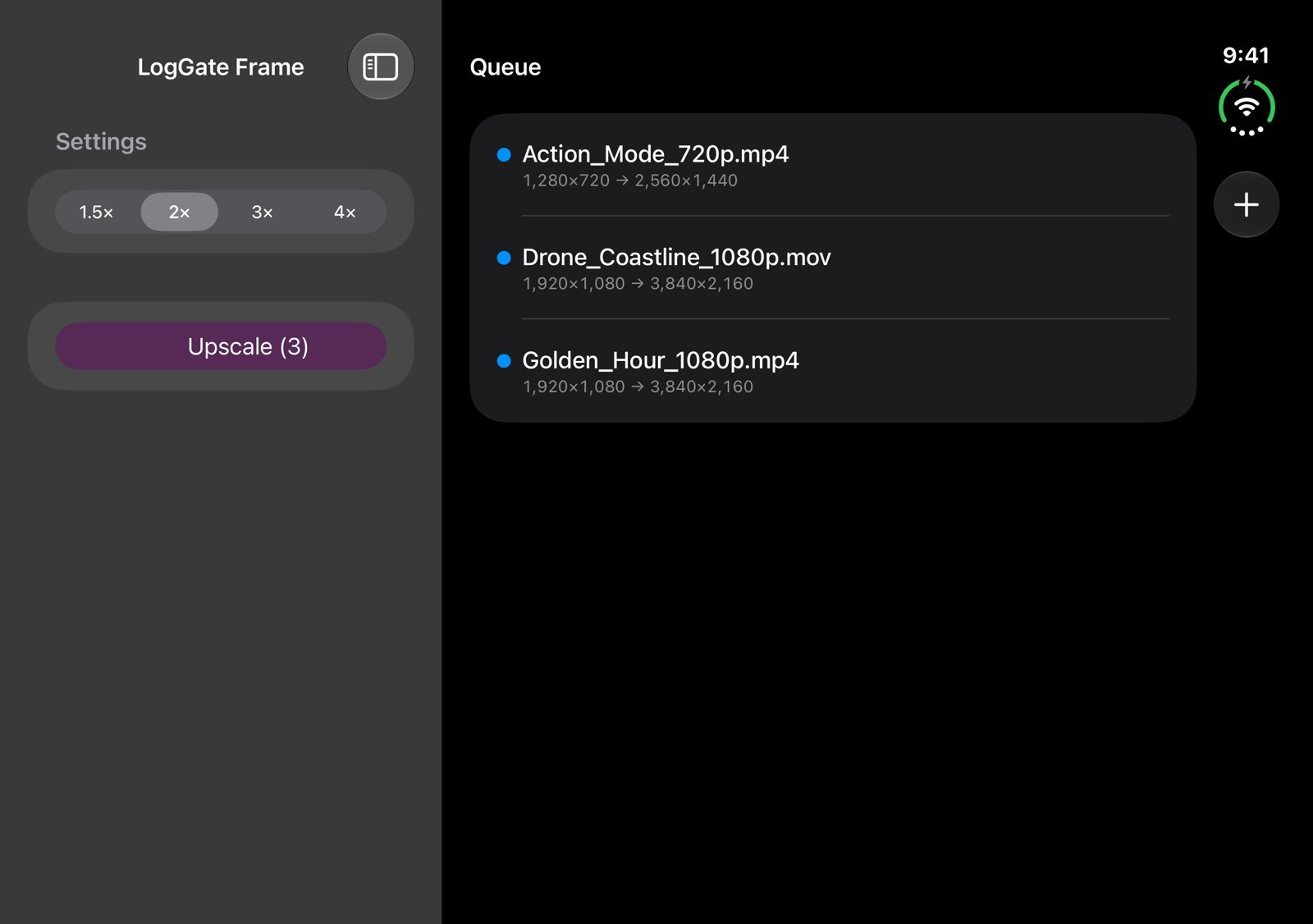
Batch-upscale footage using Apple’s MetalFX spatial scaler while preserving supported Apple Log and HDR color metadata. Prepare higher-resolution clips for your next edit.
LogGate Pro: convert and reframe
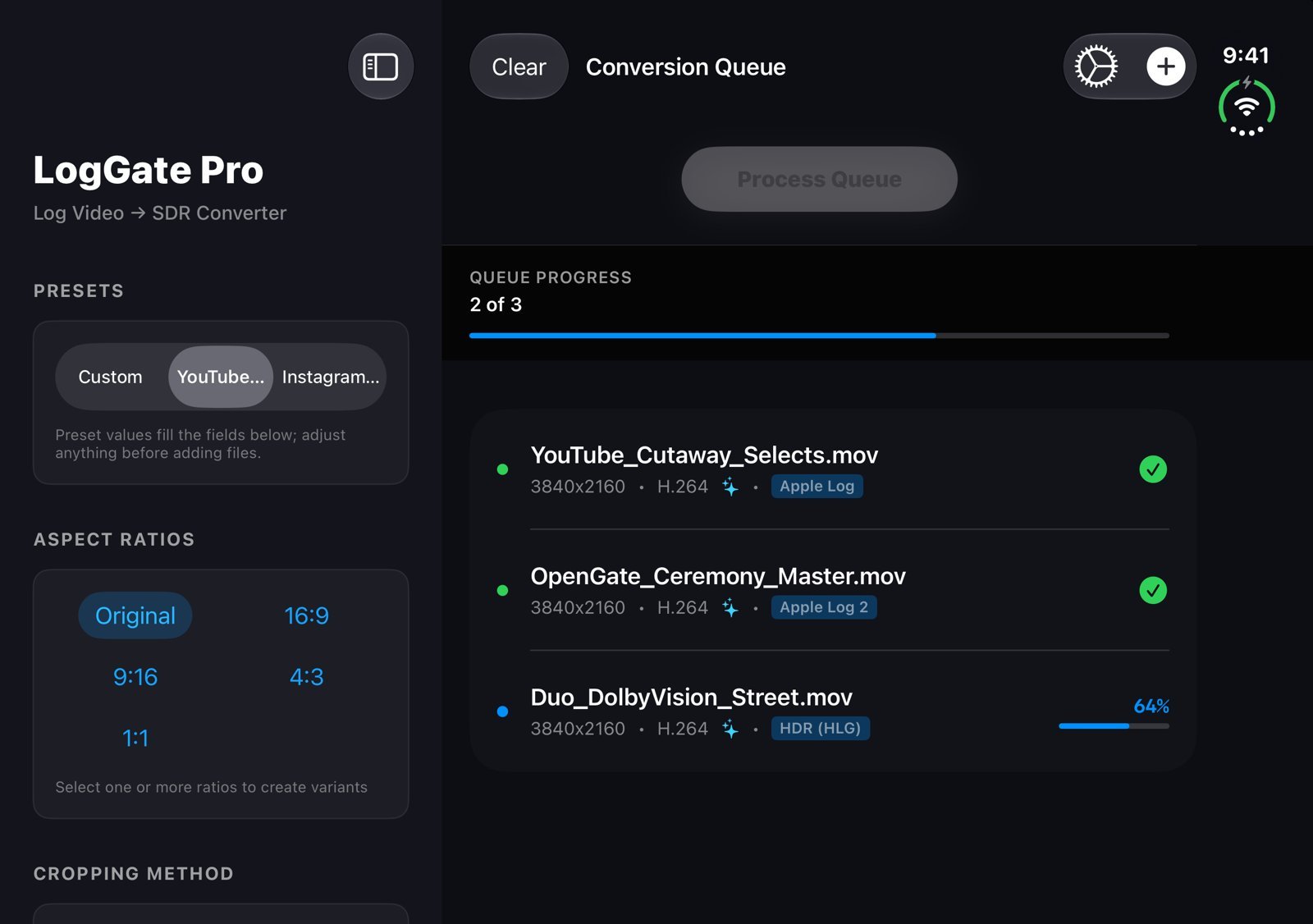
Convert Apple Log footage to Rec.709 SDR, batch-process clips, and create horizontal, vertical, and square delivery versions with smart subject cropping.
Ready for iPhone Duo
Both apps fill both displays. Unfolded, settings sit in a sidebar next to your queue.
Questions
How do they work together?
Start with your source footage in Frame when you need more resolution. Use Pro for color conversion and delivery crops. Each app also works independently.
What’s included?
LogGate Pro and LogGate Frame. LUT Lab is available separately and is not part of this bundle.
Which devices are supported?
Both apps support compatible Mac, iPhone, and iPad devices. Requirements, formats, and available output resolutions vary by app. Check each app’s App Store listing for compatibility before purchasing.
Can I still buy either app separately?
Yes. LogGate Pro and LogGate Frame remain available individually for $19.99 US each.
I already own one of the apps.
Check the App Store for the offer available to your account.