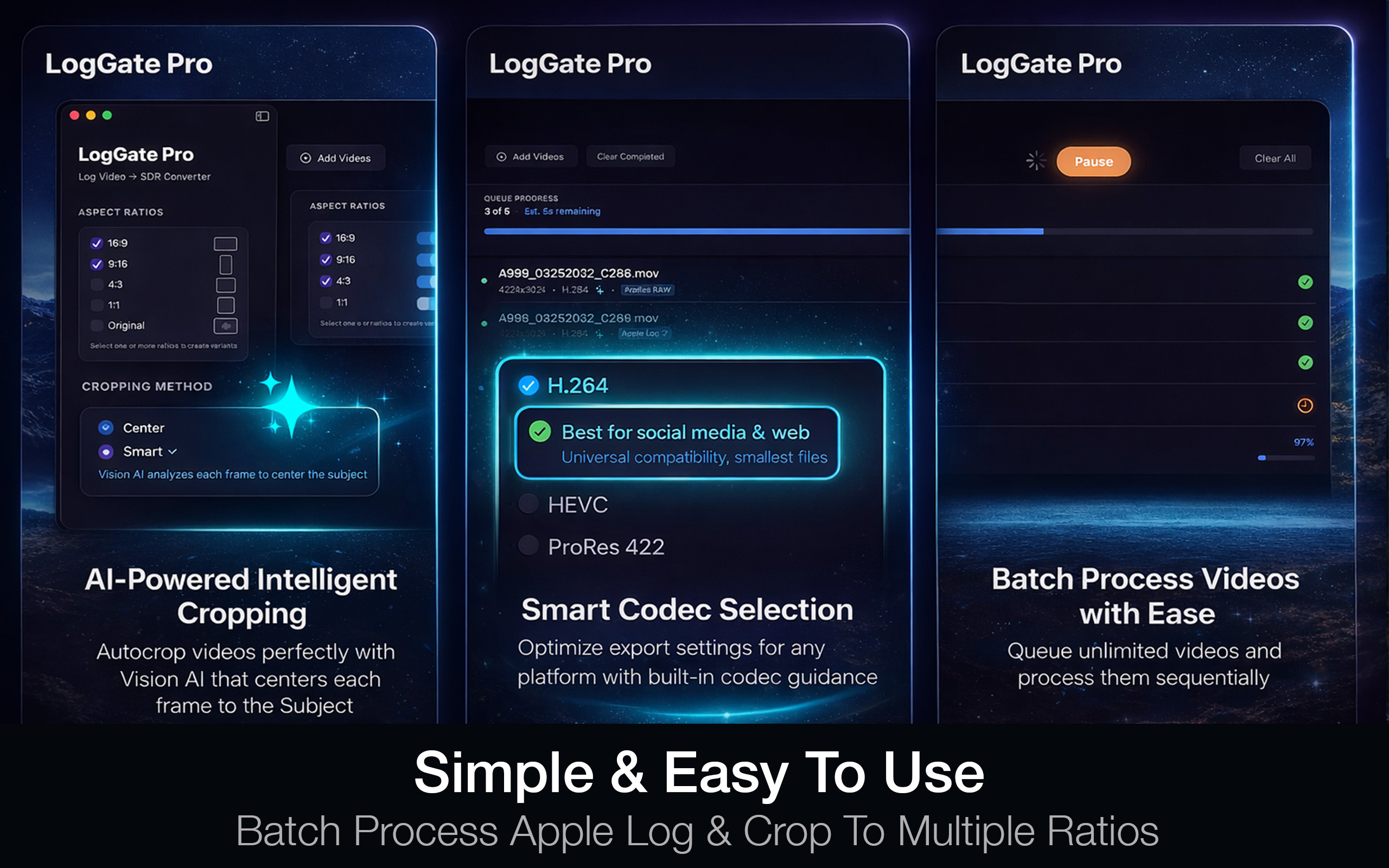
 LogGate
You’ve just transferred a folder of Apple Log ProRes files from your iPhone 17 Pro to your Mac. Now what?
The software you use to convert that footage determines how fast you get to editing, how much control you have over the final look, and how much time you spend on the technical side instead of the creative side. In 2026, there are three tools worth considering for macOS video conversion: LogGate Pro, DaVinci Resolve, and Apple Compressor.
Here’s an honest comparison.
What “Conversion” Actually Means for iPhone Footage
If you’re shooting Apple Log or Apple Log 2 on your iPhone, your footage is recorded in an expanded color space that looks flat on any standard display. Before you can edit, share, or deliver it, you need to transform it to a standard color space. This is not just a codec transcode — it’s a color space transform. A tool that only changes the file container without applying the right LUT or color math will produce footage that still looks washed out in your editor.
LogGate Pro
Best for: Fast, correct Apple Log conversion with zero learning curve
LogGate Pro is purpose-built for one job: converting Apple Log footage to broadcast-ready video on Mac. Converts Apple Log and Apple Log 2 to Rec.709, DCI-P3, or HDR. Supports ProRes, HEVC, and H.264 output. Batch processes entire shoots. Uses Apple Silicon hardware for real-time processing. Price: $19.99 one-time.
DaVinci Resolve
Best for: Full color grading control, complex multi-camera projects
DaVinci Resolve is the industry standard for professional color grading. It can convert Apple Log footage but that’s the least interesting thing it does. Maximum color control, industry-standard tool, free tier is capable. However: steep learning curve (40-80 hours), complex Apple Log color science setup, overkill for simple conversion needs. Price: Free or $295 Studio.
Apple Compressor
Best for: Encoding and delivery, Final Cut Pro integration
Compressor is Apple’s professional encoding tool designed primarily for delivery. Excellent for transcoding and packaging but not designed for Log-to-Rec.709 color space transformation. Applying Apple Log LUTs requires manual setup. Price: $49.99.
The Optimal Workflow
- LogGate Pro to convert Apple Log footage to clean Rec.709 ProRes
- Final Cut Pro or DaVinci Resolve for editing and artistic color grading
- Compressor or built-in export for final delivery encoding